
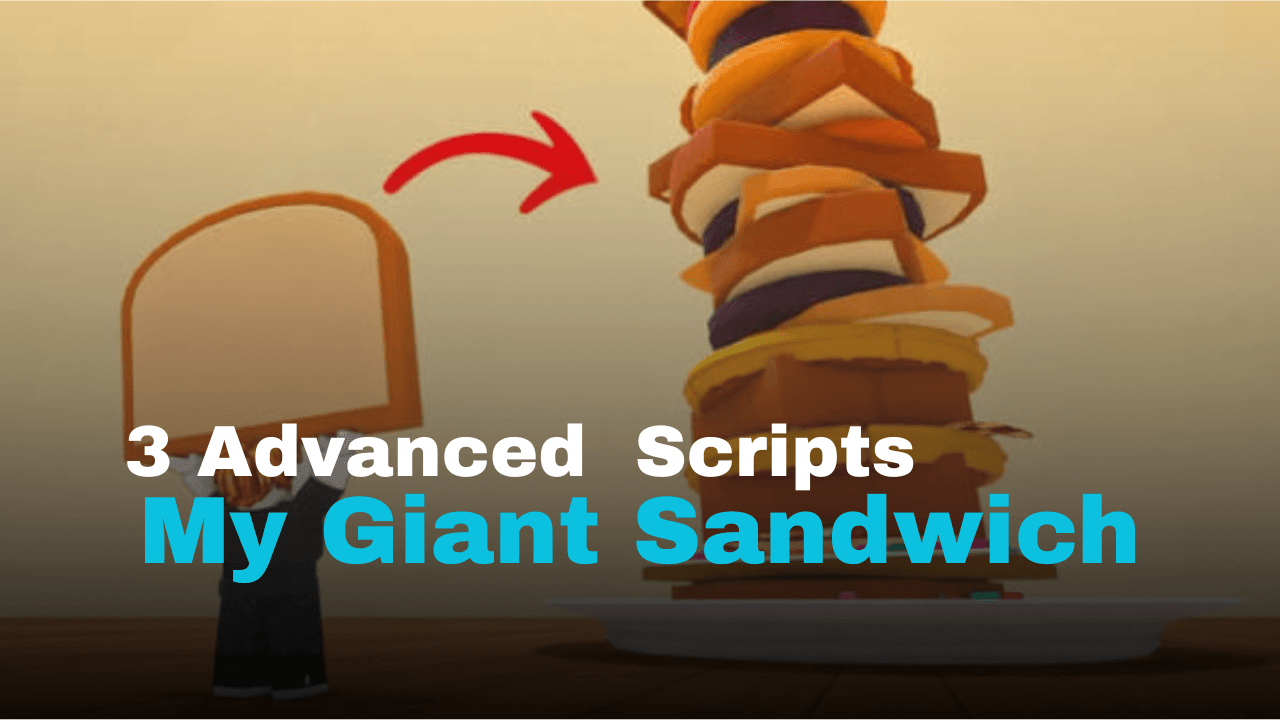
My Giant Sandwich is a Roblox game where players gather ingredients, cook food, and build bigger sandwiches to earn more rewards. Repeating the same cooking and collecting tasks can take time, so many players use scripts to automate these actions and make progression much smoother.
01. Full Automation Farm Script (Lua)
This Lua script is made for players who want to automate almost every part of the sandwich-making process. It can purchase selected ingredients, cook them automatically, collect cash, and even customize your walking speed for faster movement around the map.
| Automation Features | Description |
|---|---|
| Auto Farm | Repeats the full farming process automatically |
| Ingredient Selector | Buys only the selected ingredients |
| Auto Cook | Cooks purchased ingredients |
| Auto Collect Cash | Collects money from available plots |
| Custom WalkSpeed | Adjustable movement speed |
| WalkSpeed Toggle | Enable or disable custom speed |
| Mobile Ready | Yes |
| Key System | Required |
| Tested Executor | Delta |
loadstring(game:HttpGet("https://api.jnkie.com/api/v1/luascripts/public/f0b3ce85f588800ae7e46415fc4dd79ff2b0d09c9b6a8e19cea8a67b47f1bcbd/download"))()02. Auto Roll & Auto Cook Script (Lua)
This Lua script focuses on simplifying the main gameplay loop. It automatically rolls, cooks ingredients, collects money, and opens new slots while also including an additional duplication feature.
| Core Functions | Information |
|---|---|
| Auto Roll | Rolls automatically |
| Auto Cook | Handles cooking tasks |
| Auto Collect Money | Collects available cash |
| Auto Open Slot | Unlocks slots automatically |
| Additional Feature | Dupe option included |
| Mobile Ready | Yes |
| Key System | Required |
| Tested Executor | Delta |
loadstring(game:HttpGet("https://raw.githubusercontent.com/iLove-yuri/leeeeesbian/refs/heads/main/homumado.lua"))()03. Free Key Utility Script (Lua)
This Lua script provides a collection of gameplay tools and includes a duplication feature. According to its description, it also supports automatic configuration loading and works with a wide range of Roblox executors.
| Included Tools | Details |
|---|---|
| Item Duplication | Duplicates supported items placed in the pan or toaster |
| Auto Load Config | Loads saved configuration automatically |
| Key System | Permanent free key available |
| Mobile Ready | Yes |
| Supported Executors | Volt, Potassium, Wave, Delta, Codex, OpiumWare, Real, Synapse Z, Seliware |
loadstring(game:HttpGet('https://raw.githubusercontent.com/hersheyzchoco-cmyk/awcc/refs/heads/main/!_loader.lua'))()How to Use These Scripts
- Copy the Lua script you want to use.
- Open your preferred Roblox script executor.
- Join My Giant Sandwich.
- Paste the script into the executor window.
- Execute the script and wait for the menu to appear.
- If the script requires a key, complete the key process before enabling features.
- Turn on the automation options that fit your gameplay.
Benefits of Using Scripts in Roblox
Automatic Cooking
Repeats cooking tasks without needing constant manual input.
Faster Money Collection
Automatically gathers cash so you can upgrade more quickly.
Less Repetitive Gameplay
Handles routine actions, making long farming sessions easier.
Quicker Progression
Helps unlock upgrades and expand your sandwich business faster.
Custom Movement
Adjustable walk speed can make traveling around the map more convenient.
Easy Automation
Multiple gameplay actions can run automatically from a single interface.



