
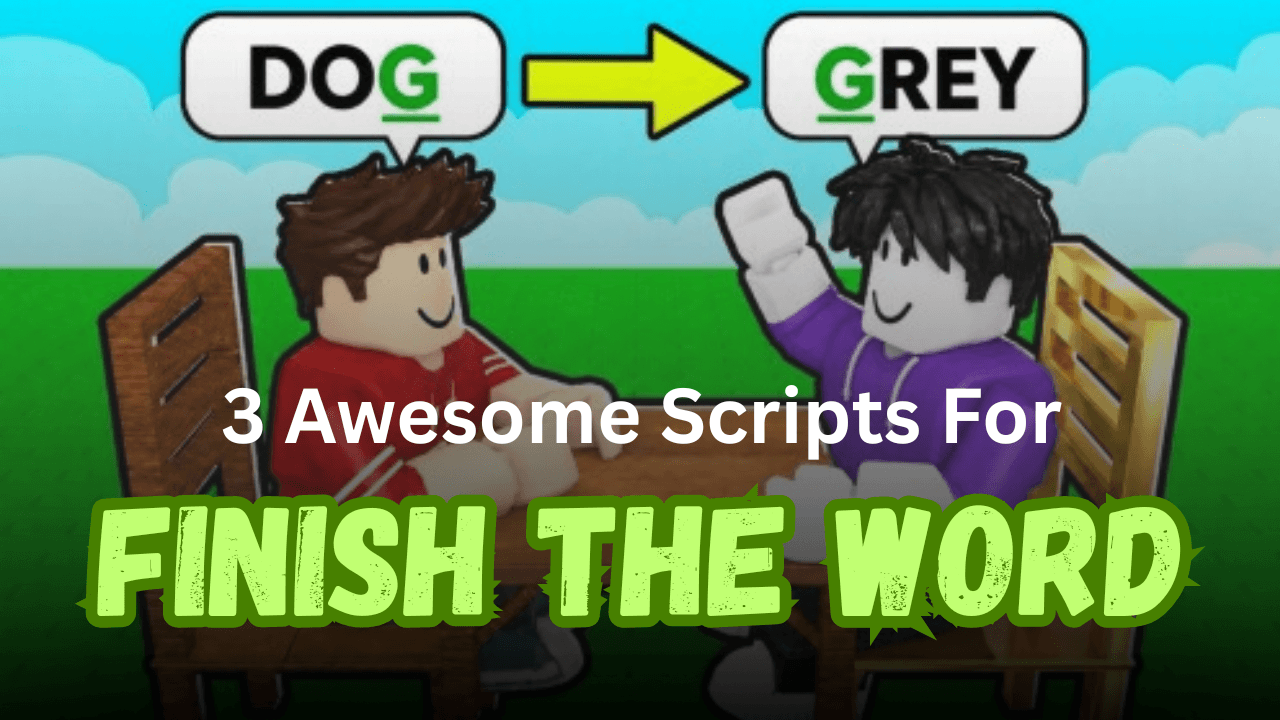
Finish The Word! is a fast-paced Roblox word game where players need to think quickly and type the correct words before others. Lua scripts can make this process easier by automating answers, adjusting typing speed, and adding useful tools that help save time. Below are three different scripts that offer a variety of helpful features for the game.
01. Vortex Hub Finish The Word Script – Auto Typing & Safe Mode (Lua)
Vortex Hub focuses on automatic typing while also giving players more control over how the script behaves. It includes Safe Mode to reduce continuous automation and a Hard Mode option for players who want an extra challenge. The script is mobile-friendly and supports a key system.
| Feature Summary | Details |
|---|---|
| Script | Vortex Hub |
| Language | Lua |
| Main Features | Auto Typing, Safe Mode, Hard Mode, 99% Precision |
| Key System | Yes |
| Mobile Support | Yes |
loadstring(game:HttpGet("https://api.jnkie.com/api/v1/luascripts/public/0b768b59f05127291ee057a0ff249ce0c24bf9d3ae7b6f7a808afdd5a92de1eb/download"))()02. Finish The Word Ranked Script V2 – Auto Answer & Typing Controls (Lua)
This Lua script is designed to answer words automatically while allowing players to customize typing behavior. You can change typing speed, choose different word lengths, adjust reaction time, and monitor the current word being processed. It also includes mobile support.
| Included Features | Information |
|---|---|
| Script | Finish The Word Ranked V2 |
| Language | Lua |
| Main Features | Auto Answer, Word Length, Typing Speed, Reaction Time |
| Extra Tools | Current Word Display, Discord Button |
| Key System | Yes |
| Mobile Support | Yes |
loadstring(game:HttpGet("https://bloxscript-cloud.vercel.app/api/v1/luascripts/public/kfRqaPyznDAf/download?raw=true"))()03. Finish The Word Script V2 – Auto Answer & Quick Typing (Lua)
This version offers automatic word answering with several customization options to match different play styles. Players can select word length, control response delay, and change typing speed for smoother automation. It is a simple choice for users who want quick setup and easy controls.
| Script Highlights | Available Features |
|---|---|
| Automation | Auto Answer |
| Typing Options | Adjustable Typing Speed |
| Word Control | Random or Custom Word Length |
| Response Settings | Adjustable Reaction Time |
| Utility | Current Word Display |
| Language | Lua |
| Key System | Yes |
| Mobile Support | Not Tested |
loadstring(game:HttpGet("https://bloxscript-cloud.vercel.app/api/v1/luascripts/public/kXKNZCqQKTWt/download"))()How to Use These Scripts
- Copy the Lua script you want to use.
- Open your preferred Roblox script executor.
- Launch Finish The Word! in Roblox.
- Paste the script into the executor.
- Execute the script and wait for the interface to load.
- Turn on the features you want, such as Auto Answer or Auto Typing.
- Adjust settings like typing speed, reaction delay, or word length to match your preference.
- If the script doesn’t load correctly, rejoin the game and execute it again.
Benefits of Using Scripts in Roblox
Faster Word Answers
Auto Answer helps complete words quickly without manual typing.
Custom Typing Speed
Players can adjust typing speed to match their preferred pace.
Improved Match Performance
Quick responses can help keep up during fast rounds.
Easy Automation
Automates repetitive typing, making gameplay more convenient.
Flexible Settings
Features like reaction time and word length provide extra control over how the script works.
Simple to Use
Most options are easy to enable and adjust through the script interface.



